Runner guide
Connect the service near your printers.
An Automation Service executes configured work where your printers and data are reachable. Its technical name is Runner. Use groups to distribute a chosen workflow version and see what each service has applied.
Prepare the machine and its addresses
Choose Windows x64 or Linux x64/ARM64 for the supplied service package. Verify access to the Center's enrollment address, its Runner gateway and the intended printer and data sources. The default gateway is port 9443; the web listener is a separate connection. See HTTPS and network setup.
The service initiates its Center connection. A configured local HTTP or TCP trigger can still need an inbound port on the service machine. Plan access for the actual trigger you use.
Enroll and approve one service
Create its group
As an administrator, open Automation Services and the setup screen. Create or select the group that will receive its workflows. Vienna packing and Brno dispatch are two example groups with their own local printer mappings.
Generate the installation package
Choose Windows, Linux x64 or Linux ARM64 and enter the Center address the machine can reach. Include the binary if the Center has the matching artifact. Each package carries a one-use enrollment token with a 24-hour lifetime; generate a fresh package for another service.
Install on the destination machine
On Windows, run the generated
install.ps1as administrator. It creates anOpenLabelEngine Runnerscheduled task that starts at boot under Local Service. An evaluation can use-Ausloeser onlogonorstart-runner.ps1instead, with the corresponding sign-in or foreground lifetime.On Linux, extract the generated archive and run
sudo ./install.sh. It installs theole-runnersystemd service. Use the account that runs the service when checking printer and file permissions.Approve the actual enrollment
Find the pending service in the Center, check its identity and approve it. Approval is required by default. Confirm that the service connects; generating a package alone does not enroll a machine.
In the configured installation environment, runner --check checks settings and certificates without starting execution.
Map printers and deploy a specific version
Configure the printer where the service can reach it. Network ZPL uses a host and port; Windows RAW, Linux CUPS RAW and Windows GDI use an installed printer name. Check the connection requirements before choosing a target.
An automation can refer to a logical printer, such as Packing. Map that name to each site's actual target. Context parameters and credential references provide site-specific values without copying the workflow.
Save the automation, deploy its explicit version to a group and inspect the applied state. A deployment stays pinned to that version. Saving a later edit does not roll it out; create a new deployment when the change is ready.
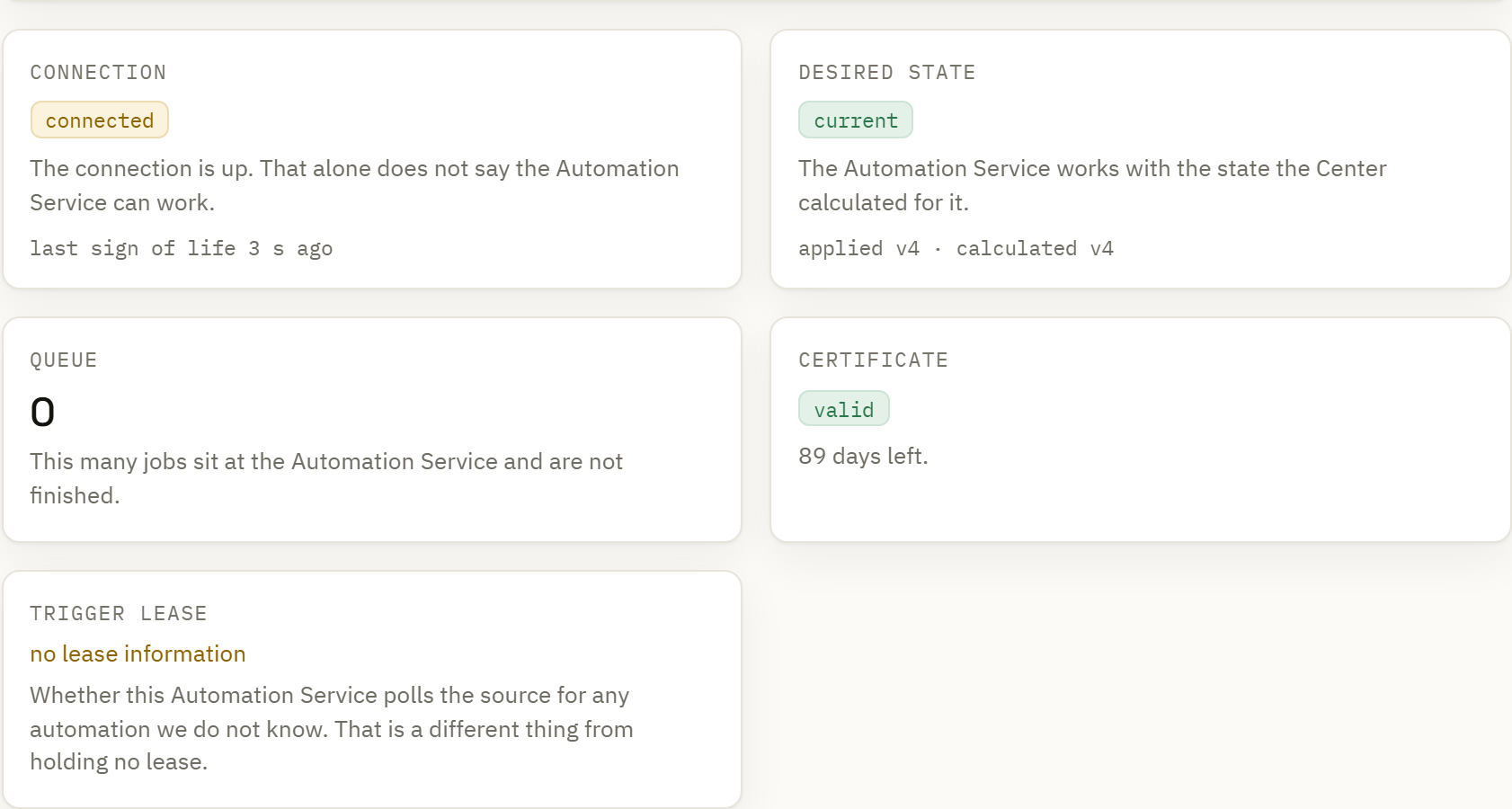
A connected service can still be waiting for documents or report an application error. Review both connection and applied state before relying on it. A staged rollout divides services within a group; one service in each of two separate groups does not demonstrate staging.
Know what remains available without the Center
| Dependency | Continuity condition |
|---|---|
| Deployed work | The required documents, assets and fonts must already be applied locally. |
| Data and printer | The trigger, source and output must remain reachable from the service. |
| Credentials | Assigned secrets are held in memory. Restarting a disconnected service means they must be fetched again after reconnection. |
| Operator form | The current browser form and kiosk are hosted by the Center and need that connection. |
| New central work | New deployments and Center-hosted trigger submissions depend on Center availability. |
After reconnection, inspect reported work and applied versions. Idempotency helps recognize repeated requests; it does not resolve an unknown physical print outcome. Held work needs investigation.
Plan for connection loss → · Operate and recover the installation →